


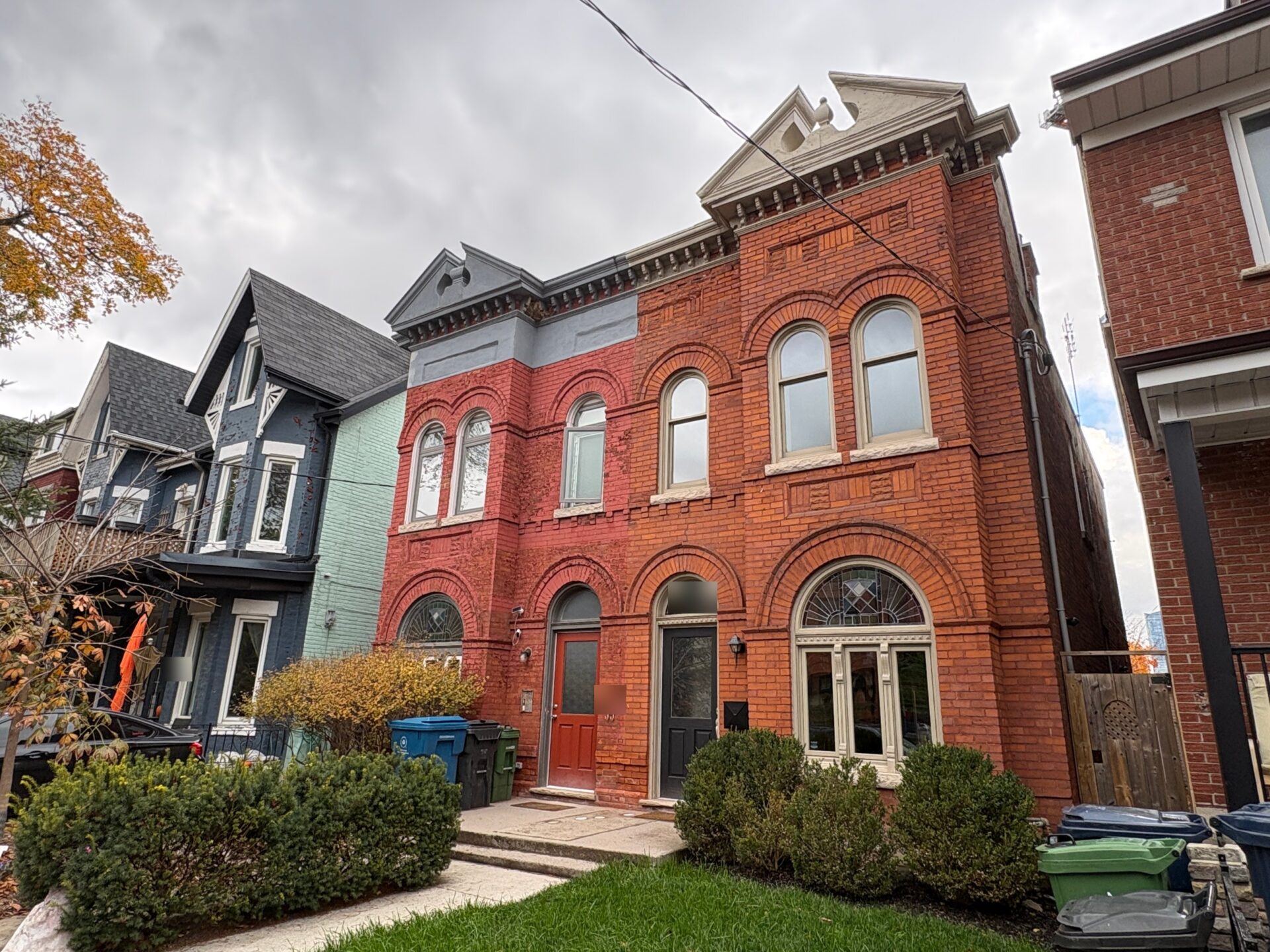
How to Find Out What a Toronto Home Sold For.

In Ontario, sold prices come from MLS® data, and you can see them by creating a free account on a brokerage website like ours, by asking a REALTOR®, or by paying for a land registry search. Which one makes sense depends on what you’re after: a quick look at what’s selling on your street, a full picture of what your own home is worth, or the official record of one specific sale.
We get this question all the time, usually from someone who just watched a house on their street disappear from the market and wants to know what it went for. It’s a fair question. Sold prices are the most useful numbers in real estate, and they’re also the ones that are a little harder to find than they should be.
Here’s where the numbers come from, why they sit behind a sign-in, and how to look them up yourself, step by step.
Where Sold Prices Come From
There are two sources, and they work differently.
MLS® sales. When a home listed on the MLS® System sells, the listing brokerage has to report the sale to the board. Under the PropTx MLS® Rules that TRREB members follow, trades have to be reported by 11:59 pm the next business day, according to a summary of the December 2024 PropTx rule changes from LSTAR. That’s why MLS® data is fast. It also comes with the details that make a sale useful: the list price, the sold price, the dates, the size range, parking, and how long the home was on the market.
The land registry. Every change of ownership in Ontario is registered with the province. According to the Province of Ontario, all private property ownership records are registered with the government, and anyone can search them. The registry catches sales the MLS® System never sees, like private sales, but it only records a sale once the deal closes and the transfer is registered, which can be weeks or months after the buyer and seller agreed on a price.
In other words, MLS® data tells you sooner and in more detail, while the land registry is the official record of every transfer.
Why Sold Prices Sit Behind a Sign-In
This is the part that catches people. You can browse active listings on almost any real estate site without signing up, but sold prices need an account. That’s not us being difficult. It’s a rule.
TRREB lets brokerages show sold information online only on what it calls a virtual office website, or VOW: a password-protected part of a brokerage’s site. To see the data, you register and accept terms of use. Those terms are fairly simple. You confirm that you have a genuine interest in buying, selling or leasing, and that you’ll use the information for your own personal, non-commercial purposes.
Why the extra step? A sold price is tied to someone’s home and someone’s finances. The rule lets consumers see that information (which they couldn’t online at all until a long Competition Bureau case ended in 2018, as RECO explained at the time) while keeping it inside a circle of people who’ve identified themselves and agreed to use it responsibly. Think of it as a consumer protection and privacy rule: open enough to help you make good decisions, with enough guardrails that a neighbour’s sale price isn’t scraped and posted all over the internet.
How to Look Up Sold Prices, Step by Step
1. Create a Free Account on Our Site
This is the quickest route, and it costs nothing.
- Create a free account with your email or your Google account, and accept the terms of use (the TRREB ones above).
- Type the home’s address into any search bar on our site: the street number and street name, plus the unit number for a condo.
- Pick “Search sold homes” from the suggestions that appear under the search bar.
Not signed in yet? You can still run the search. You’ll see that sales exist for the address, but the prices, dates and addresses stay locked until you sign in or create your account, right there on the page. It takes about a minute.
That’s it. You’ll get every sale we have for that address, newest first. Each one shows:
- the month it sold and the sold price
- bedrooms, bathrooms and the size range
- the neighbourhood, the listing brokerage and the MLS® number
Click any sale to open the full listing, with its sale and listing history: past sales, price changes, and listings that ended without a sale.
Live in a condo? Leave the unit number off and you’ll see every sale in the building, which is a quick way to see how suites like yours have been selling. For a broader read on where prices are heading, our Toronto market data pages show the trend by neighbourhood, for houses and condos separately.
2. Ask an Agent for a Report
If the question is about your own home, this is where we’d start. A REALTOR® can pull every relevant sale, including ones that don’t show up neatly online, and put them side by side.
When you ask us, we’ll send the sales that actually compare to your home: similar size, same type of home, nearby, and recent. Then we’ll walk you through why each one sold where it did. A finished basement, a parking spot, a south-facing balcony or a kitchen that needs work can each move a price more than people expect. That’s the conversation a list of numbers can’t have with you.
There’s no cost and no obligation. If you’re thinking about buying, it’s part of how we help buyers. If you’re thinking about selling, it’s the starting point for our selling approach.
3. Search the Land Registry Through OnLand
If you need the official record of one specific transfer, or the sale was private and never hit the MLS® System, the land registry is the place to look.
- Go to ServiceOntario’s OnLand site. Land registry searches are only offered online now.
- Search for the property by address. If the address doesn’t turn up, you can find the property on the map and buy the parcel map to get its property identification number (PIN).
- Buy the parcel register for that PIN. It lists the documents registered against the property, including transfers of ownership with their dates and the amounts recorded.
- If you want more detail, you can buy a copy of the transfer document itself.
OnLand charges a fee for each document, set by the province, and the Province notes that fees depend on the type of search. Keep in mind that a parcel register can be hard to read the first time, and it tells you the price without any context: no list price, no days on market, no condition.
4. Check MPAC’s AboutMyProperty (If You Own a Home)
If you own property in Ontario, MPAC’s AboutMyProperty is free. You’ll need the roll number and access key from your Property Assessment Notice to sign up.
Once you’re in, you can see your assessed value, review the details MPAC has on file for your home, and compare your property with others nearby. MPAC also added a Property Pulse dashboard that shows residential sales trends by municipality and property type, built on land registry sales data and updated monthly.
One thing to know before you rely on it: your assessed value isn’t what your home would sell for today. According to MPAC, assessments for the 2026 tax year are still based on what a property would have sold for on January 1, 2016. It’s useful for checking your property tax, much less so for pricing a sale.
Looking for other places to research sold prices online? We compared them in our guide to the best websites to research sold home prices in Toronto.
How to Read Sold Data Well

In a loft conversion, no two suites are quite alike, so compare sales carefully.
Finding the number is the easy part. Reading it well takes a bit more care.
Sold price vs list price. In Toronto, the list price is a pricing strategy as much as a valuation. Some homes are listed low to draw multiple offers, while others are listed high and come down. The sold price is what someone actually paid, so the gap between the two tells you how the strategy played out, not what the home was worth.
Days on market. A home that sold in a week tells a different story than one that sat for two months. Also check the history: if a home was listed, taken off the market and relisted, the days on market for the latest listing may only show part of the picture.
Conditional vs firm. A home can show as “sold conditional” while the buyer arranges financing, an inspection or a status certificate review. Those deals can still fall through. The sold price is shown once the deal goes firm, which is the one to rely on.
Compare like with like. Two condos on the same floor of the same building can sell months apart for very different prices. Before you compare, check:
- size (and whether the square footage is a range or an exact figure)
- parking and locker
- exposure and view
- condition and updates
- for houses, lot size, the basement, and whether it’s detached or semi
One sale isn’t a trend. A single high sale might be one buyer who fell in love. A single low one might be an estate sale or a home that needed a lot of work. Look at several comparable sales over a few months before drawing a conclusion.
Why Sold Prices Beat Asking Prices

Sold prices show what buyers actually paid, not what sellers hoped for.
Asking prices tell you what sellers hope for. Sold prices tell you what buyers were actually willing to pay, which is the only number that matters when you’re making a decision.
If you’re buying, recent sales are how you decide what to offer. A home listed well below what similar homes sold for is probably set up for a bidding war, while one listed well above them may have room to negotiate. Going in with only the asking price is like negotiating with half the information.
If you’re selling, sold prices keep everyone grounded. It’s easy to look at what the neighbours are asking and set your sights there. The homes that sell well are usually priced from what has actually sold nearby, adjusted for the things that make your home different.
FAQ
How soon after a sale does the price show up?
On the MLS® System, quickly. Brokerages have to report a sale by the end of the next business day, and the price shows on sites like ours once the deal is firm. That’s usually well before closing. On the land registry, the sale appears only once the transfer is registered on closing, which can be a few weeks to several months later.
Are all sales on the MLS® System?
No. Private sales, homes sold without an MLS® listing (some exclusive or off-market sales), and most new builder sales don’t show up there. Those still appear in the land registry once they close, which is why the registry is the more complete record, even if it’s slower and has less detail.
Can I see what a specific condo unit sold for?
Usually, yes. If the unit sold through the MLS® System, sign in to our site and type the building address with the unit number into any search bar, then choose “Search sold homes.” If it sold privately, an OnLand search on that unit will show the registered transfer.
Does it cost anything to see sold prices?
Not on our site, and not when you ask us for a report. OnLand charges a fee per document. MPAC’s AboutMyProperty is free for property owners.
What’s Next?
With fewer sales and more listings this fall, the gap between asking and sold prices is worth watching closely. Will it narrow as the spring market picks up? It’s a trend to watch, and recent sales will be the first place it shows.
Want to see sold prices for your street, building or neighbourhood? Create a free account and you’ll have them in a couple of minutes.
Want to know what your home would sell for? Ask us for a free home evaluation.
For sale in Toronto
Luxury homes.


Still have questions?
Send us a message.
We’ll get back to you quickly.
Keep reading
More buying advice.


Have a question
Get a straight answer from our team.
Ask us anything about buying or selling in Toronto.